
 Azkaban实战
# Azkaban 实战
# Command 单一 job 案例
在 windows 环境,创建 job 描述文件,编辑内容如下
#command.job
type=command
command=mkdir /opt/module/test_azkaban
1
2
3
2
3
将此文件打包成 zip 不能带中文

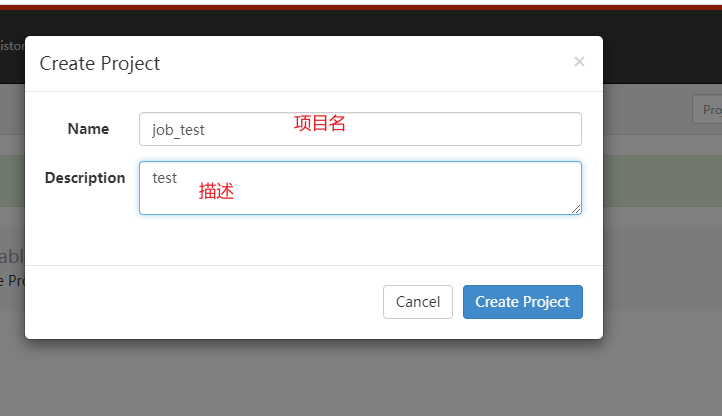
创建项目
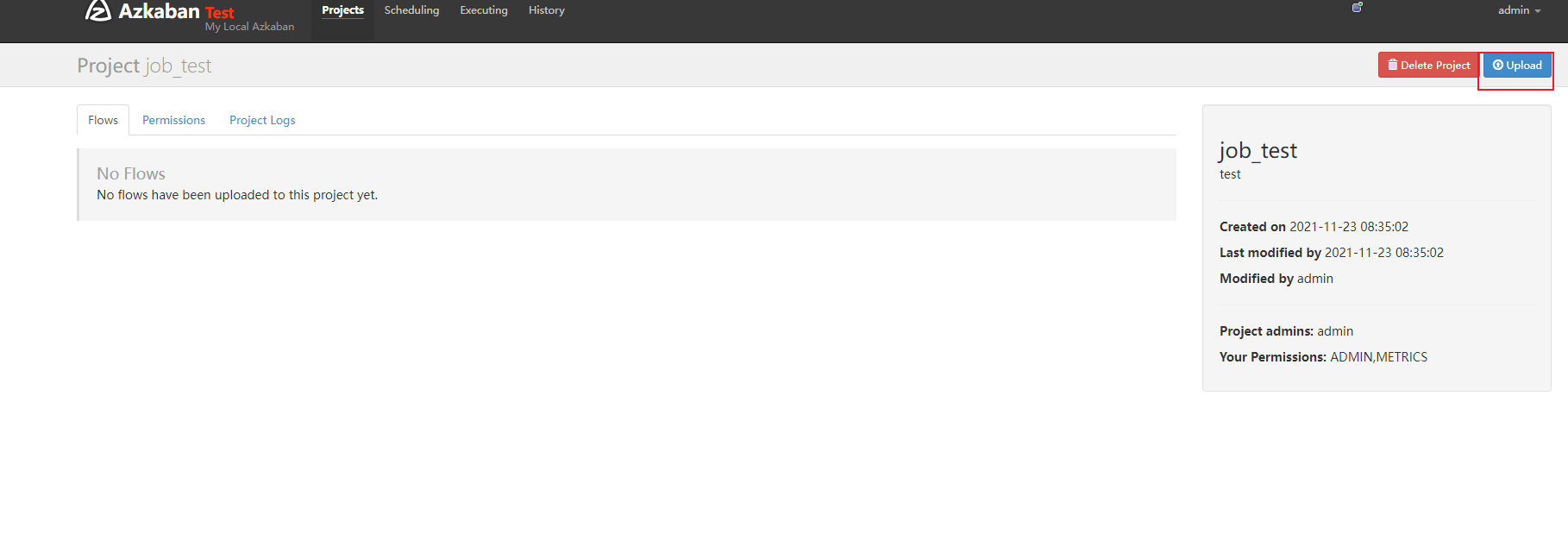
上传 zip 包
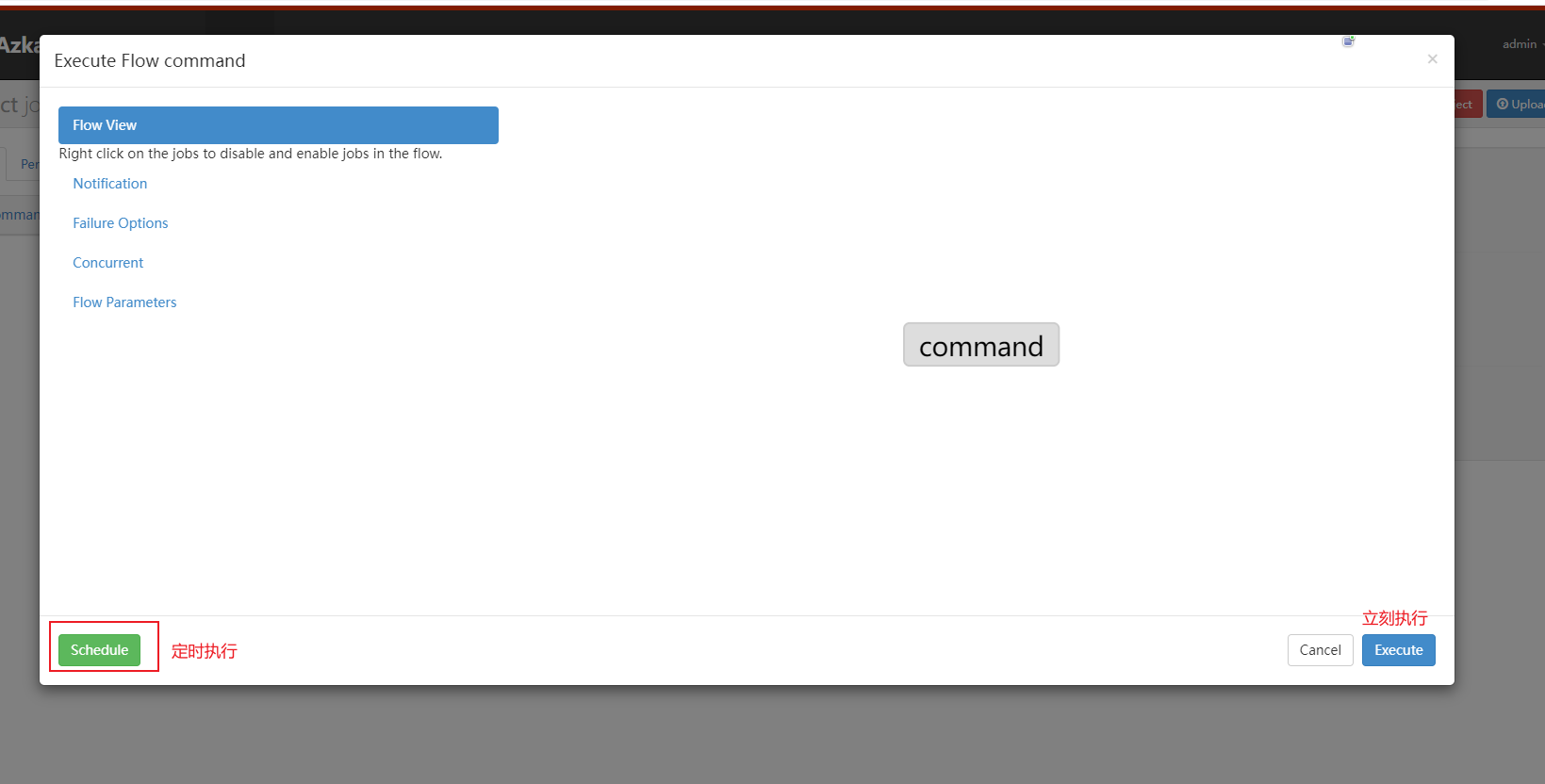
执行

# 多 job 工作流
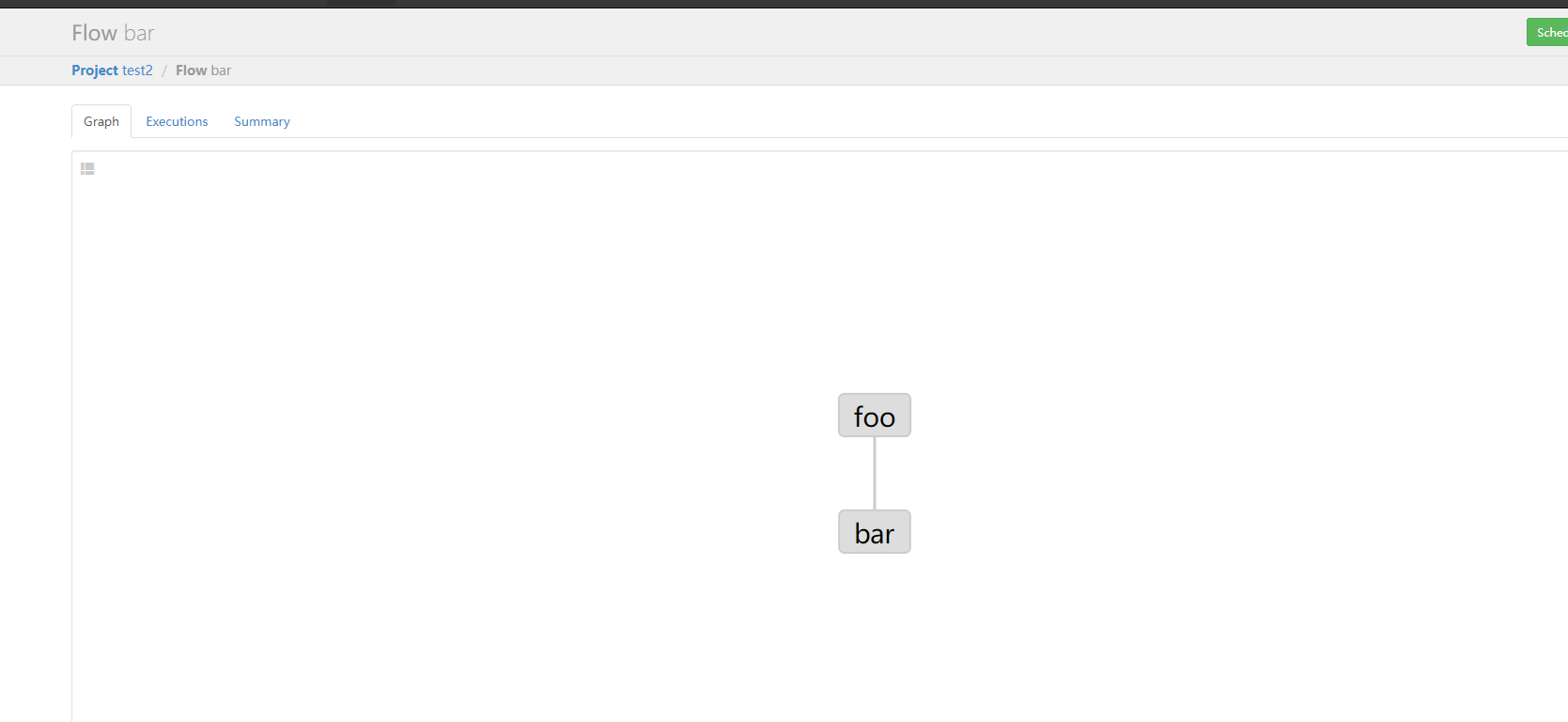
创建有依赖关系的多个 job 描述
第一个 job: foo.job
#foo.job
type=command
command=mkdir /opt/module/az
1
2
3
2
3
第二个 job:bar.job
#bar.job
type=command
dependencies=foo
command=touch /opt/module/az/test.txt
1
2
3
4
2
3
4
打包成 zip 包提交到 azkaban 中
# MapReduce
#foo.job
type=command
command=yarn jar hadoop-mapreduce-examples-3.1.3.jar wordcount /input /output
1
2
3
2
3
注意 jar 包也要打包进 zip 中 一般我们使用自定义的 mapreduce
上传执行
# hive
hive.sql
use default;
drop table if exists aztest;
drop table if exists azres;
create external table aztest(id int,name string) row format delimited fields terminated by '\t'location '/student';
load data inpath '/aztest/hiveinput' into table aztest;
create table azres as select * from aztest;
insert overwrite directory '/aztest/hiveoutput' select count(1) from aztest;
1
2
3
4
5
6
7
2
3
4
5
6
7
hive.job
#hive.job
type=command
command=hive -f 'hive.sql'
1
2
3
2
3
打包上传并执行
编辑 (opens new window)
上次更新: 2023/12/06, 01:31:48